
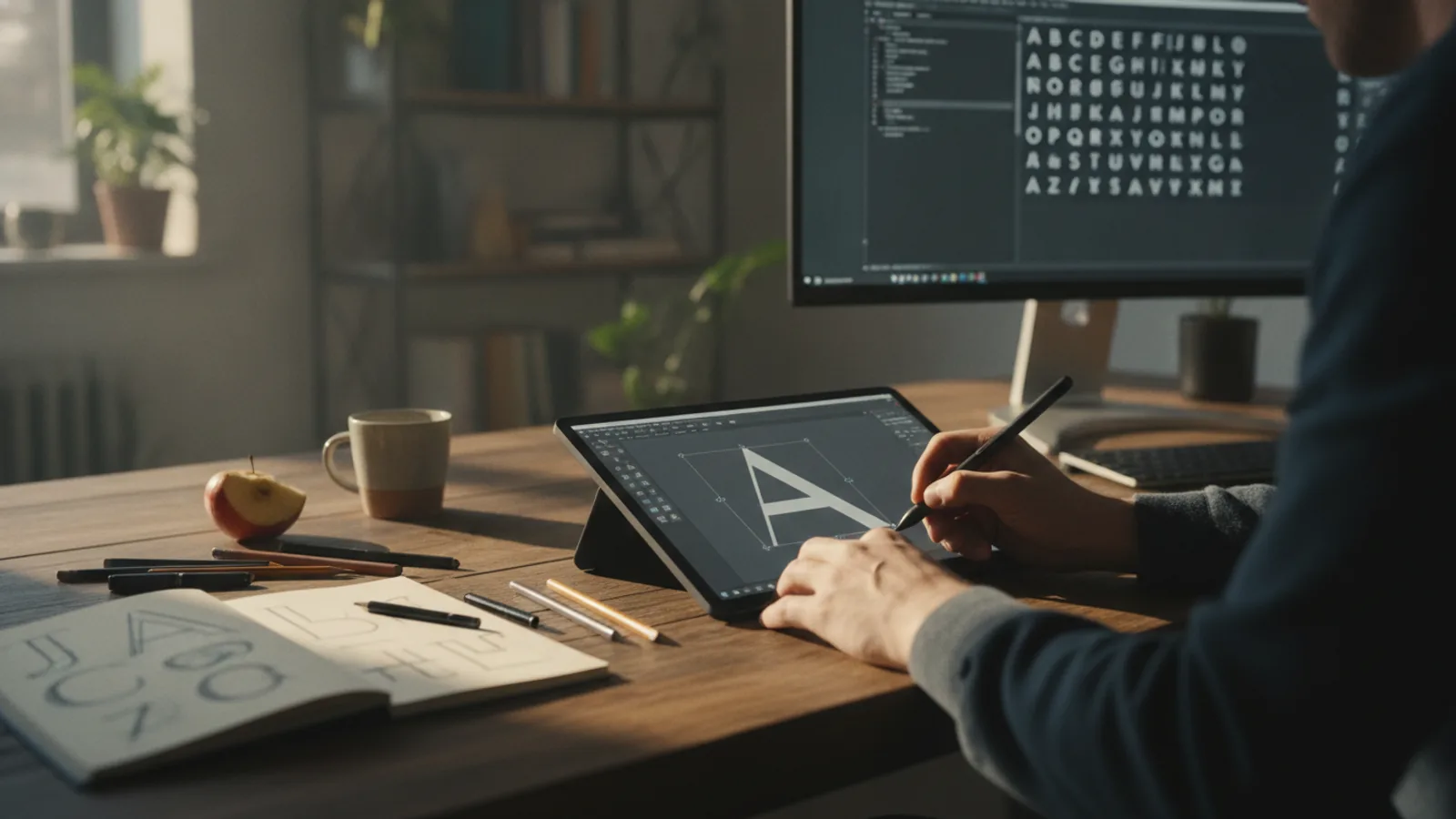
How To Make Your Own Font
This guide explains how to approach how to make your own font, including the preparation, practical steps, common mistakes, and final checks that help you finish with confidence.
4–12 hours Time needed
Medium Difficulty
Letter Spacing Watch out for
Before You Start
Check first: Never trace or copy an existing font directly unless it has an open-source license that explicitly allows modifications. Commercial fonts are protected by copyright, just like any other software or creative work. This guide is for creating an original font from your own designs.
Step-by-Step Instructions
Quick Reference
Common Problems When You Make Your Own Font
Even with careful steps, you might run into a few common issues. Here’s how to troubleshoot them.
My letters look uneven and don't match
The text is hard to read because of spacing
The font file won't install or work
Advanced Tips for Making Your Own Font
Once you've mastered the basics, you can explore more professional features to make your font even better.
- Create Ligatures: Ligatures are special glyphs that combine two or more characters into one. The most common are for 'fi', 'fl', and 'ff', which can look awkward without them. Creating ligatures makes text flow more smoothly.
- Add Alternate Characters: You can design alternative versions of certain letters, known as "stylistic alternates". This gives users of your font more creative options, like a different style of 'a' or a fancier 't' with a swash.
- Expand Your Character Set: A basic font covers the English alphabet, but you can add accented characters (like é, ü, ñ) to support other languages, or add special symbols, currency signs, or even small illustrations (dingbats).
- Consider Font Licensing: If you plan to share or sell your font, you need to decide on a license. This tells people what they are allowed to do with it (e.g., use it for personal projects only, or for commercial work). Websites like Creative Commons or the Open Font License (OFL) provide templates for this.
How To Make Your Own Font FAQ
Can I really make a font from my own handwriting?
How much does it cost to make a font?
What's the real difference between OTF and TTF?
Final Checklist for Making Your Own Font
Before you share your new font with the world, run through this final checklist:
- All essential characters are present (A-Z, a-z, 0-9, and basic punctuation).
- All glyphs are correctly aligned to the baseline and x-height.
- Letter weights and styles are consistent across the entire character set.
- General letter spacing (metrics) feels even and balanced.
- Key kerning pairs (AV, Wa, To, etc.) have been checked and adjusted.
- The font has been installed and tested in a real document with actual paragraphs.
- You have saved a backup of your original project file, not just the exported .otf or .ttf file. This allows you to make changes later.